Microsoft Excel Data Analysis — The Proven 4-Step System
Self-paced video training — 4 modules, 22 lessons. Work through it at your own pace — every lesson is real recorded training, not slide-reading.
 ▶INSIDE THE COURSE · 22 LESSONS
ABOUT THIS COURSE
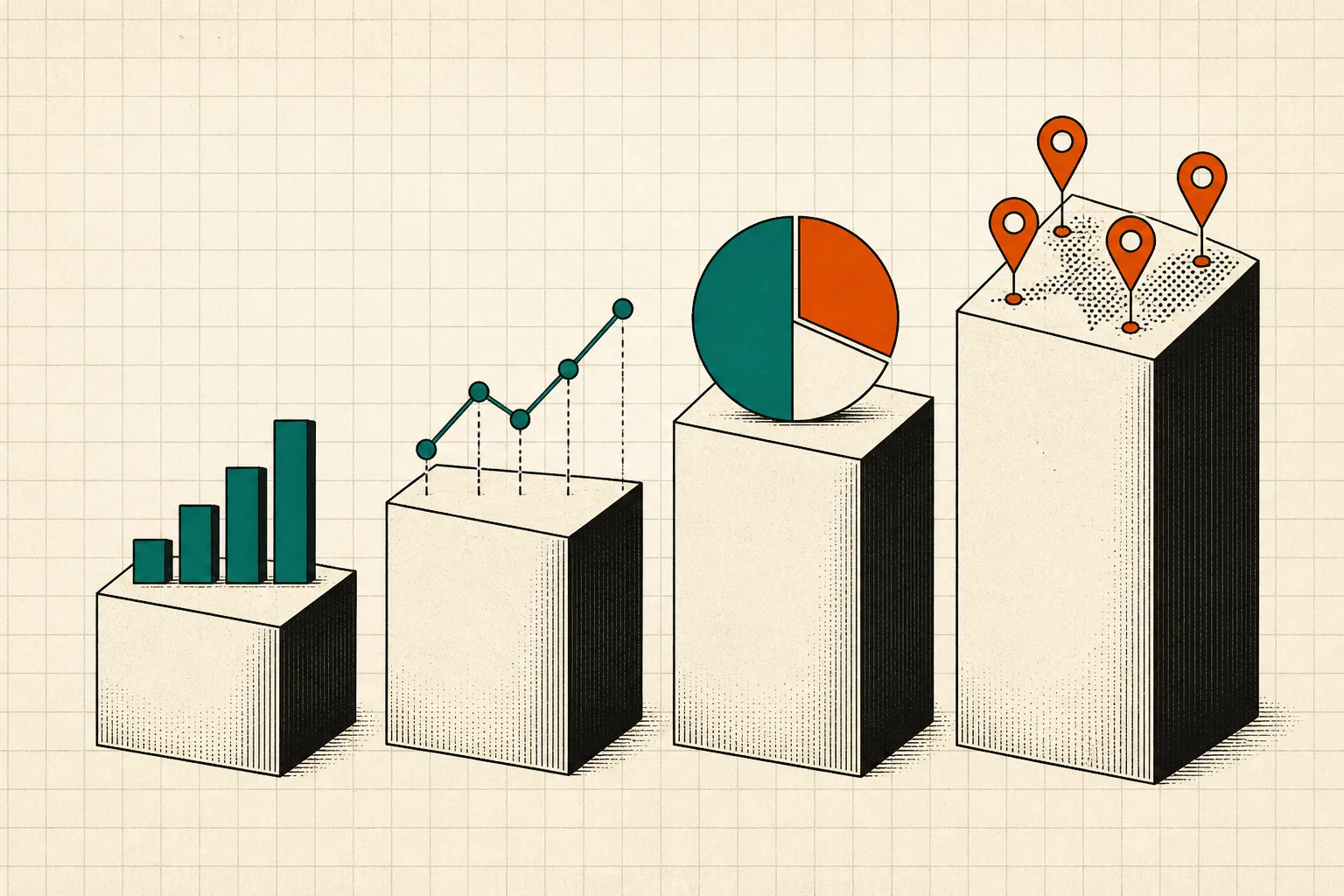
In this intermediate course, students will learn a systematic 4-step approach to data analysis in Microsoft Excel. They will import data from CSV files, clean it by removing duplicates and formatting, enhance it using text and math functions, and finally analyze the data using pivot tables. By the end of the course, students will be able to effectively manage and analyze data for better insights.
CURRICULUM
4 modules, in order.
01Import3 LESSONS
an overview of the course structure and objectives.
how to import data from a CSV file into Excel.
creating a CSV file from another system.
02Clean4 LESSONS
using the text to columns feature for data separation.
applying basic number formatting to improve data presentation.
removing duplicate entries from your data set.
organizing data through sorting techniques.
03Enhance12 LESSONS
using text formulas to manipulate string data.
performing basic math operations in Excel.
continuing basic math operations with additional techniques.
understanding how to round numbers in Excel.
exploring more advanced math functions in Excel.
utilizing the IF function for conditional calculations.
managing errors in formulas with the IF Error function.
introducing VLOOKUP for searching data in tables.
advanced techniques with VLOOKUP for data retrieval.
understanding the basics of Index Match for data lookups.
advanced Index Match techniques for complex data retrieval.
creating and using tables for better data organization.
04Analyze3 LESSONS
building pivot tables to summarize and analyze data.
advanced techniques for working with pivot tables.
integrating all skills learned in a final project review.
CURATED BY
Selected from experienced educators' training libraries and kept whole — modules, worked examples and walkthroughs exactly as taught.
GOOD TO KNOW
Lessons stream in the browser and remember where you stopped.
Watch on two devices at once — phone, tablet or desktop.
Download buttons are disabled; delivery is encrypted and authenticated per request.
$59 · ONE PAYMENT
Own every lesson, for life.
One payment unlocks all 22 lessons instantly — start with lesson one the moment you check out.