Master Excel Macros & the Basics of VBA
Self-paced video training — 4 modules, 20 lessons. Work through it at your own pace — every lesson is real recorded training, not slide-reading.
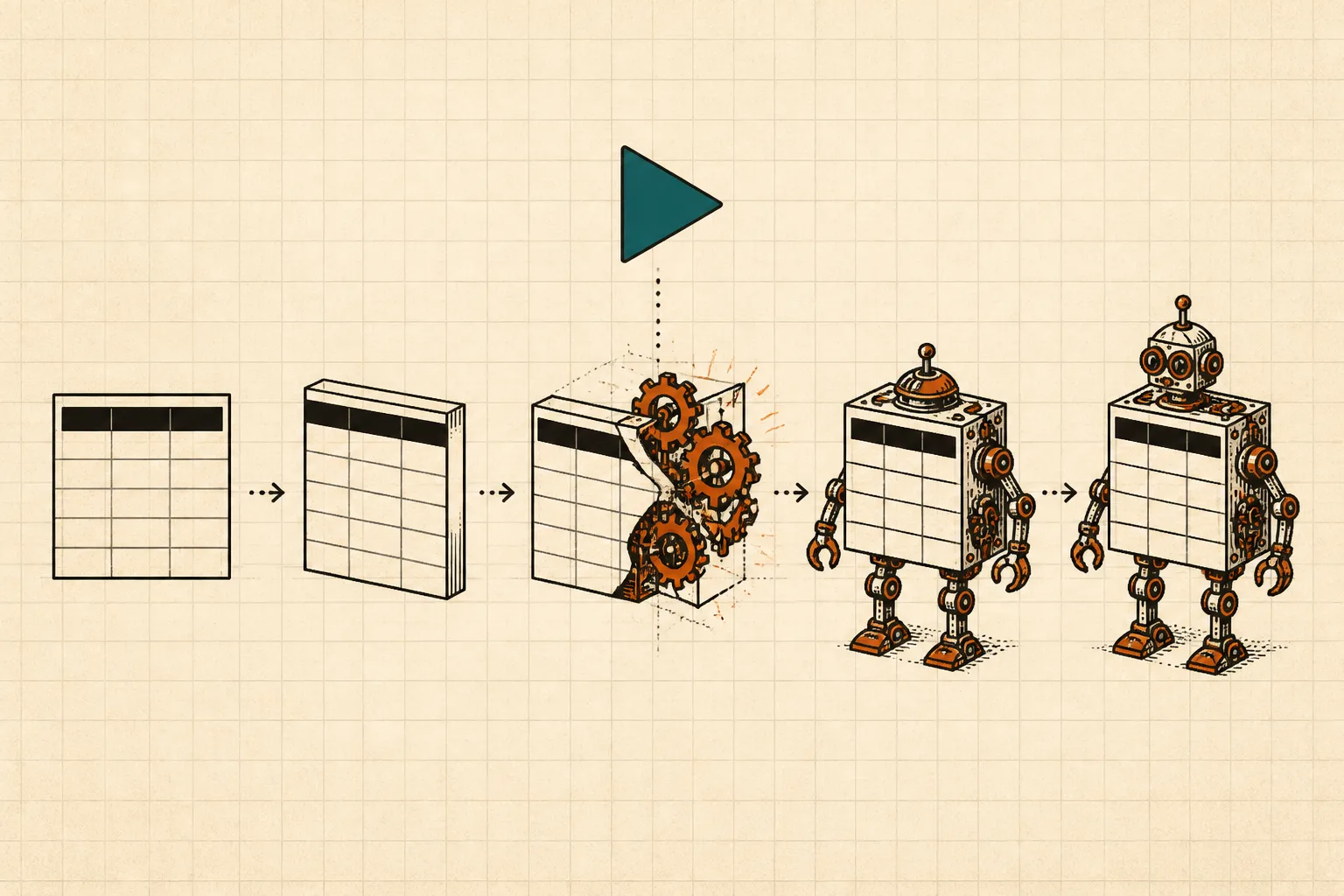 ▶INSIDE THE COURSE · 20 LESSONS
ABOUT THIS COURSE
In this intermediate course, students will learn the fundamentals of Excel VBA and how to create and manage macros effectively. The curriculum covers object-oriented programming concepts, macro creation through multiple stages, and advanced VBA programming techniques. By the end of the course, participants will have a solid understanding of VBA and the ability to automate tasks in Excel.
CURRICULUM
4 modules, in order.
01The basics4 LESSONS
this lesson introduces the course and its objectives.
this lesson explains what Excel VBA is and its purpose.
this lesson covers the fundamentals of object-oriented programming.
learn the basics of excel specifically for developers.
02Macro creation6 LESSONS
discover the fundamentals of creating macros in excel.
continue exploring macro creation techniques in excel.
delve deeper into macro creation with more advanced concepts.
expand your macro skills with additional creation strategies.
learn more about crafting macros in excel with new techniques.
further enhance your macro creation knowledge in excel.
03VBA Programming6 LESSONS
begin your journey into programming with vba in excel.
continue your vba programming education with more advanced topics.
explore additional programming concepts and techniques in vba.
advance your vba programming skills with deeper insights.
further your understanding of vba programming with new lessons.
wrap up your vba programming studies with final concepts.
04VBA and Details4 LESSONS
gain insights into specific details of vba programming.
continue to explore important details in vba programming.
delve into further important aspects of vba programming.
conclude your studies with a summary of vba and its details.
CURATED BY

Selected from experienced educators' training libraries and kept whole — modules, worked examples and walkthroughs exactly as taught.
GOOD TO KNOW
Lessons stream in the browser and remember where you stopped.
Watch on two devices at once — phone, tablet or desktop.
Download buttons are disabled; delivery is encrypted and authenticated per request.
$59 · ONE PAYMENT
Own every lesson, for life.
One payment unlocks all 20 lessons instantly — start with lesson one the moment you check out.