Google Sheets for Beginners & Excel Users
Self-paced video training — 5 modules, 19 lessons. Work through it at your own pace — every lesson is real recorded training, not slide-reading.
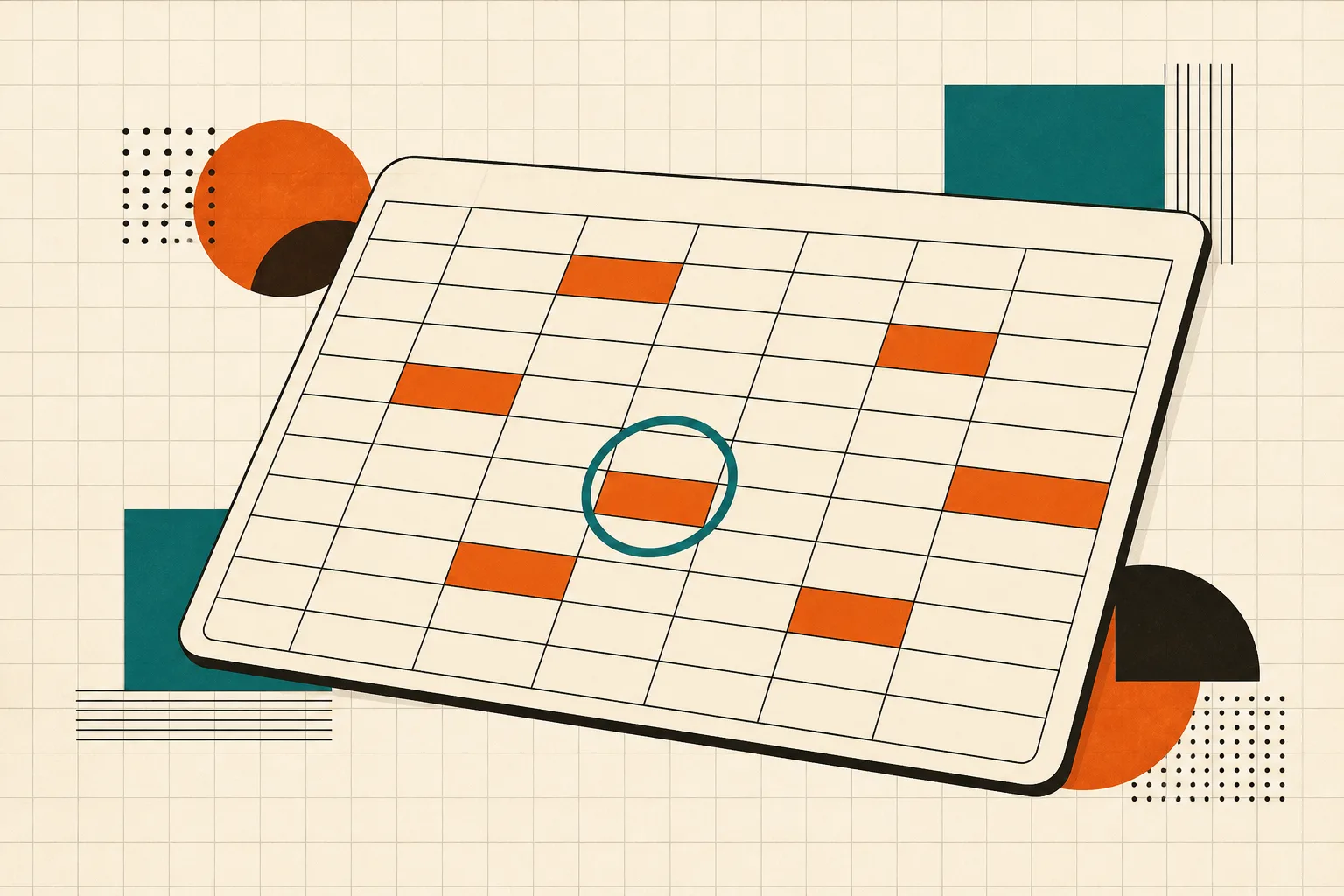 ▶INSIDE THE COURSE · 19 LESSONS
ABOUT THIS COURSE
This beginner course introduces Google Sheets to new users and those familiar with Excel. Students will learn to navigate Google Sheets, create and organize documents, and perform basic data entry and calculations. The course covers essential functions, formatting techniques, and advanced formulas like VLOOKUP, enabling learners to build practical projects such as a renovation workbook.
CURRICULUM
5 modules, in order.
01Introduction3 LESSONS
learn the basics of google sheets and its interface.
discover how to maximize your learning experience in this course.
get acquainted with the layouts of google sheets and google drive.
02Accessing Your Account and First Google Sheets Project4 LESSONS
learn how to create and organize your documents in google sheets.
understand data entry techniques and how to navigate cells.
explore simple formulas to perform essential statistical calculations.
learn how to conduct cross tabular calculations in your sheets.
03Creating a Basement Renovation Workbook4 LESSONS
create a summary page along with sub pages for your workbook.
format headings, text, and columns for better presentation.
apply cross tabular formulas to enhance your summary page.
learn to create vlookup drop-down lists for easier data entry.
04Exceptional Functions for Enhanced Calculations4 LESSONS
master data selection techniques for improved data management.
calculate average sums using conditional statements.
expand your vlookup skills for more complex data retrieval.
discover how to concatenate text and data for better organization.
05From Data to Visualizations4 LESSONS
create quick and effective visualizations to represent your data.
understand categorical and quantitative variables for better analysis.
extend your knowledge of quantitative variables in data visualization.
learn how to customize charts for clearer data representation.
CURATED BY
Selected from experienced educators' training libraries and kept whole — modules, worked examples and walkthroughs exactly as taught.
GOOD TO KNOW
Lessons stream in the browser and remember where you stopped.
Watch on two devices at once — phone, tablet or desktop.
Download buttons are disabled; delivery is encrypted and authenticated per request.
$39 · ONE PAYMENT
Own every lesson, for life.
One payment unlocks all 19 lessons instantly — start with lesson one the moment you check out.