Microsoft Clarity for Web Analytics — Complete Tutorial
Self-paced video training — 12 modules, 35 lessons. Work through it at your own pace — every lesson is real recorded training, not slide-reading.
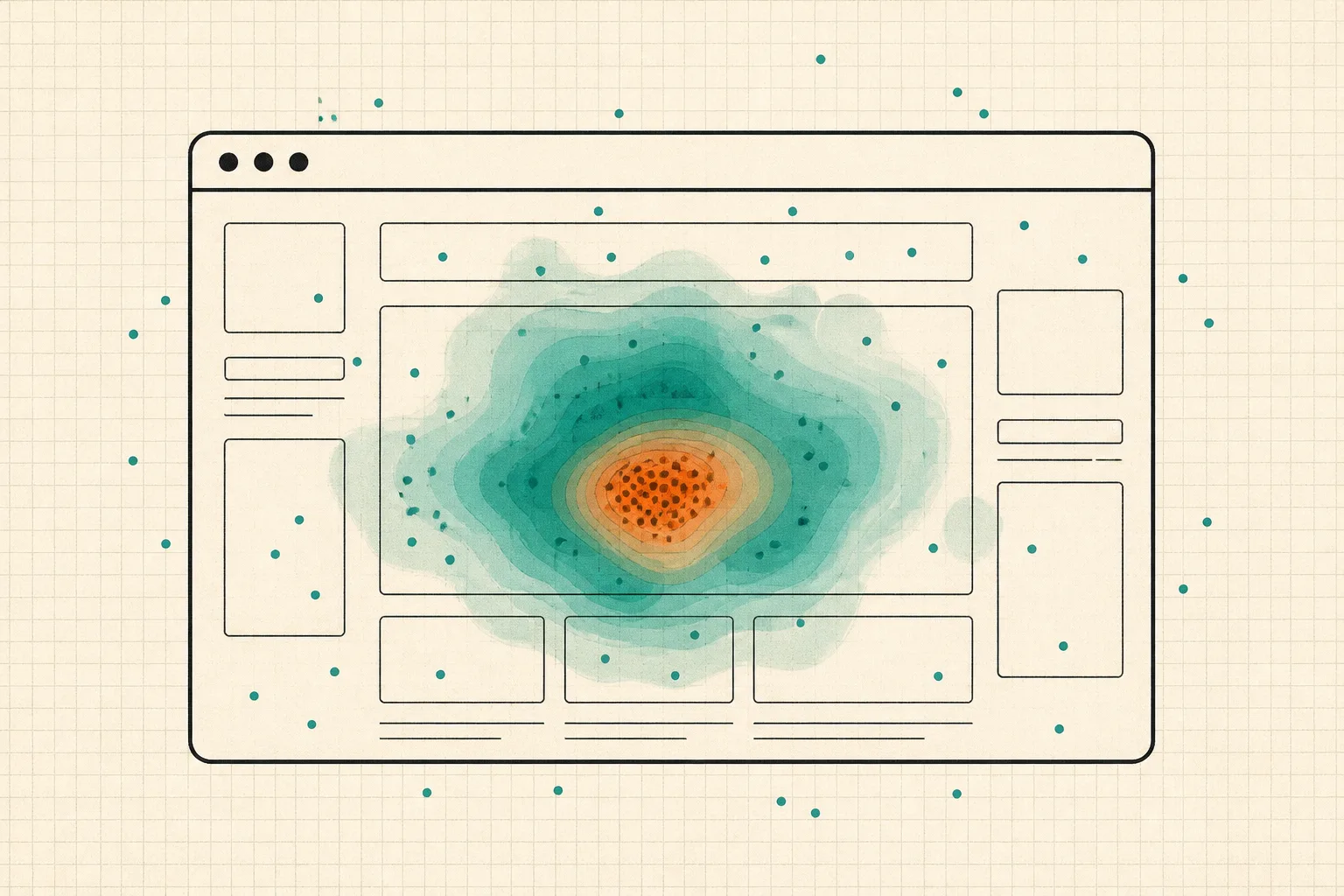 ▶INSIDE THE COURSE · 35 LESSONS
ABOUT THIS COURSE
In this advanced course on Microsoft Clarity, students will learn to effectively utilize the platform for web analytics. The curriculum covers setting up Clarity, including installation and integration with Google Analytics, as well as exploring its features and use cases. Participants will engage in hands-on activities to understand how to leverage Clarity's insights for improved website performance.
CURRICULUM
12 modules, in order.
01Introduction5 LESSONS
this lesson welcomes you to the course on microsoft clarity.
learn about what microsoft clarity is and its purpose.
explore the various features that microsoft clarity offers.
discover different use cases to effectively leverage microsoft clarity.
see a demonstration of microsoft clarity in action before signing up.
02Setting up Clarity2 LESSONS
learn how to sign up and set up microsoft clarity.
install the tracking code for microsoft clarity on third-party platforms.
03Google Analytics Integration1 LESSONS
integrate google analytics with microsoft clarity for enhanced insights.
04MS Clarity Settings1 LESSONS
get an overview of the various settings available in microsoft clarity.
05Managing Team1 LESSONS
learn how to add and remove team members in microsoft clarity.
06Masking Sensitive Content2 LESSONS
understand how to mask and unmask sensitive data in clarity.
learn how to mask data by specific elements in microsoft clarity.
07Clarity Project Page1 LESSONS
get an overview of the clarity project page and its components.
08Dashboard and Insights8 LESSONS
this lesson provides an overview of the dashboard and insights.
explore the various features available on the clarity dashboard.
understand what dead clicks are and how to identify them.
learn about rage clicks and their implications for user experience.
discover what excessive scrolling indicates about user behavior.
understand quickbacks and their significance in user interactions.
learn about javascript errors and how they affect user experience.
explore other semantic metrics that can be tracked in clarity.
CURATED BY

Selected from experienced educators' training libraries and kept whole — modules, worked examples and walkthroughs exactly as taught.
GOOD TO KNOW
Lessons stream in the browser and remember where you stopped.
Watch on two devices at once — phone, tablet or desktop.
Download buttons are disabled; delivery is encrypted and authenticated per request.
$59 · ONE PAYMENT
Own every lesson, for life.
One payment unlocks all 35 lessons instantly — start with lesson one the moment you check out.