Convolutional Neural Networks in Python — Computer Vision
Self-paced video training — 19 modules, 52 lessons. Work through it at your own pace — every lesson is real recorded training, not slide-reading.
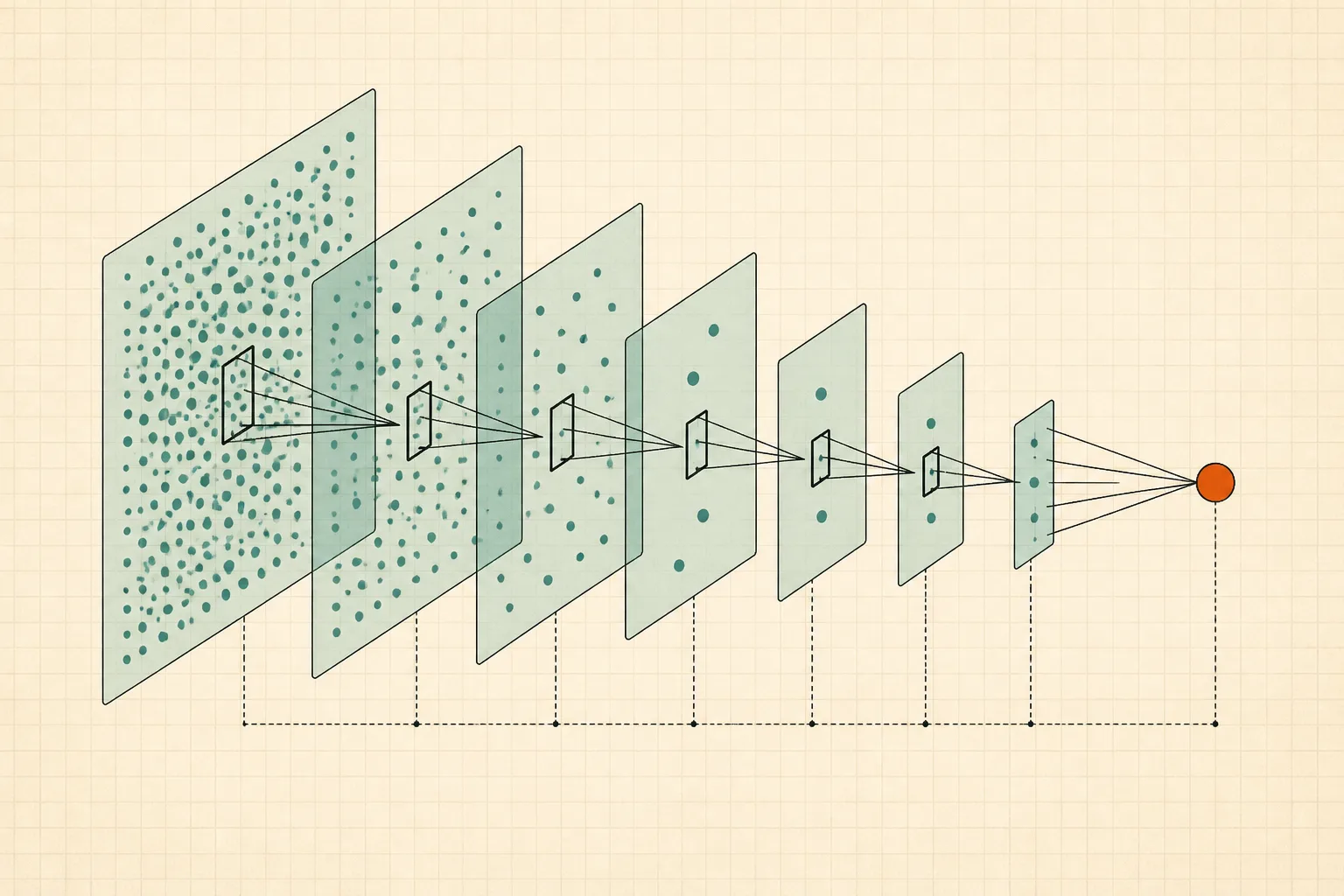 ▶INSIDE THE COURSE · 52 LESSONS
ABOUT THIS COURSE
In this advanced course, students will learn to implement Convolutional Neural Networks (CNNs) using Python for computer vision applications. The curriculum covers setting up Python and Jupyter Notebook, fundamental concepts of perceptrons and activation functions, and how to stack neural network cells. Students will also explore key techniques such as gradient descent and backpropagation to optimize their models.
CURRICULUM
19 modules, in order.
01Introduction1 LESSONS
this lesson introduces the course on convolutional neural networks in python.
02Setting up Python and Jupyter Notebook10 LESSONS
learn how to install python and anaconda for data science.
this lesson marks a milestone in setting up your python environment.
discover how to open jupyter notebook for your projects.
get an introduction to using jupyter notebook for coding.
explore arithmetic operators in python as part of the basics.
learn about strings in python and their usage.
understand lists, tuples, and directories in python.
work with the numpy library for numerical operations in python.
explore the pandas library for data manipulation in python.
learn to use the seaborn library for data visualization.
03Single Cells - Perceptron and Sigmoid Neuron3 LESSONS
understand the concept of perceptrons in neural networks.
discover various activation functions used in neural networks.
create a perceptron model using python programming.
04Neural Networks - Stacking cells to create network3 LESSONS
learn basic terminologies related to neural networks.
understand the gradient descent algorithm in neural networks.
explore the back propagation technique in neural networks.
05Important concepts Common Interview questions1 LESSONS
review important concepts that may come up in interviews.
06Standard Model Parameters1 LESSONS
learn about hyperparameters and their role in model training.
07Tensorflow and Keras2 LESSONS
get familiar with keras and tensorflow for building models.
learn how to install tensorflow and keras for your projects.
08Python - Dataset for classification problem2 LESSONS
find out how to prepare a dataset for a classification problem.
understand normalization and how to split data into train and test sets.
CURATED BY

Selected from experienced educators' training libraries and kept whole — modules, worked examples and walkthroughs exactly as taught.
GOOD TO KNOW
Lessons stream in the browser and remember where you stopped.
Watch on two devices at once — phone, tablet or desktop.
Download buttons are disabled; delivery is encrypted and authenticated per request.
$79 · ONE PAYMENT
Own every lesson, for life.
One payment unlocks all 52 lessons instantly — start with lesson one the moment you check out.